


Hilfe & Support
Here you find everything you need to set up your miner, quick answers to common questions and a direct line to our support team. Whether it is first start-up, troubleshooting or a general question – we will help.
Setup guides

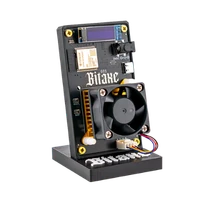
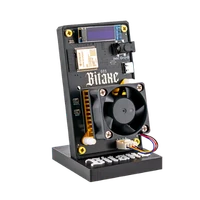
Bitaxe
Erste Inbetriebnahme, WLAN einrichten, Pool und Wallet hinterlegen – Schritt für Schritt erklärt.
Read the guide
Nerdaxe
WLAN, Pool, Wallet, Firmware-Update und Fehlersuche für den Nerdaxe Gamma – mit Bildern vom 1,9-Zoll-Display.
Read the guide
NerdQaxe
Auspacken, 12-V-Netzteil, WLAN, Pool und Wallet für die NerdQaxe-Modelle – bis zum ersten Share.
Read the guideFrequently asked questions
How do I set up my Bitaxe after unpacking it?
Bitaxe_XXXX, NERDAXE_XXXX or NerdQAxe_XXXX) and open http://192.168.4.1. Enter your 2.4 GHz Wi-Fi there; afterwards in AxeOS under Pool Settings: stratum host pool.opensourceminers.de, port 3333, stratum user = your Bitcoin address, password x – ready-made values in the pool configurator. The step-by-step guides with pictures are above. My Bitaxe will not connect to Wi-Fi – what can I do?
The Bitaxe starts but does not mine – why?
Why is my hash rate lower than expected?
Which power supply should I use for my Bitaxe?
My device gets warm or the fan is audible – is that normal?
How do I update the firmware?
What do I do if my Bitaxe does not start at all?
What do I do if my miner is not working properly?
How do returns, withdrawal and warranty claims work?
Support contact
Monday – Friday, 9:00 – 18:00
Support-E-Mail: [email protected]
- Usually answered within 24–48 hours
- Help with products, orders, setup & firmware
- Suitable for Beginners too
Chat support
Wenn es schnell gehen soll, schreib uns auf Telegram – der direkteste Weg zu unkomplizierter Hilfe, egal ob Produkt, Bestellung oder Einrichtung.
t.me/bitaxede
Schreib uns eine Nachricht
Fragen zu Lieferzeiten und Rücksendung beantworten Shipping & delivery und die Right of withdrawal.