


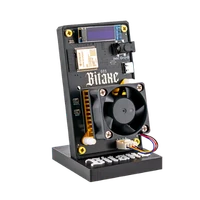

Running a Bitcoin node: why your own node and your own hash rate belong together
28 February 2026 · 8 min read · Updated on 22 August 2026

A wallet app shows you a balance. How does it know it? From a server somebody else runs, which tells it what the blockchain contains. Your own Bitcoin node ends that relationship of trust: it downloads the entire blockchain, checks every block and every transaction itself against the consensus rules and answers the question “is this balance mine?” from its own knowledge. This article explains what a node does, what it concretely gives you, which hardware it needs and why it belongs with the Bitaxe like the miner belongs with the node.
What a Bitcoin node does
A node is a computer running Bitcoin Core. It connects to other nodes on the network, receives new transactions and blocks, checks each of them against the rules (valid signatures, no double spend, correct block reward, valid proof of work) and discards what does not hold up. It keeps the entire blockchain since 2009 locally – just under 800 GB as of August 2026 – and knows the current mempool, the transactions waiting for confirmation.
A node produces no hash rate and finds no blocks. It is the authority that decides which blocks are valid – the miners deliver the work, the nodes check it. That tens of thousands of independent nodes perform this check is the reason nobody can change Bitcoin’s rules on their own.
What your own node gives you day to day
- A wallet without third-party servers. Sparrow, Electrum or the Umbrel wallets connect to your node. No provider sees which addresses you query any more, and no provider can show you a wrong balance.
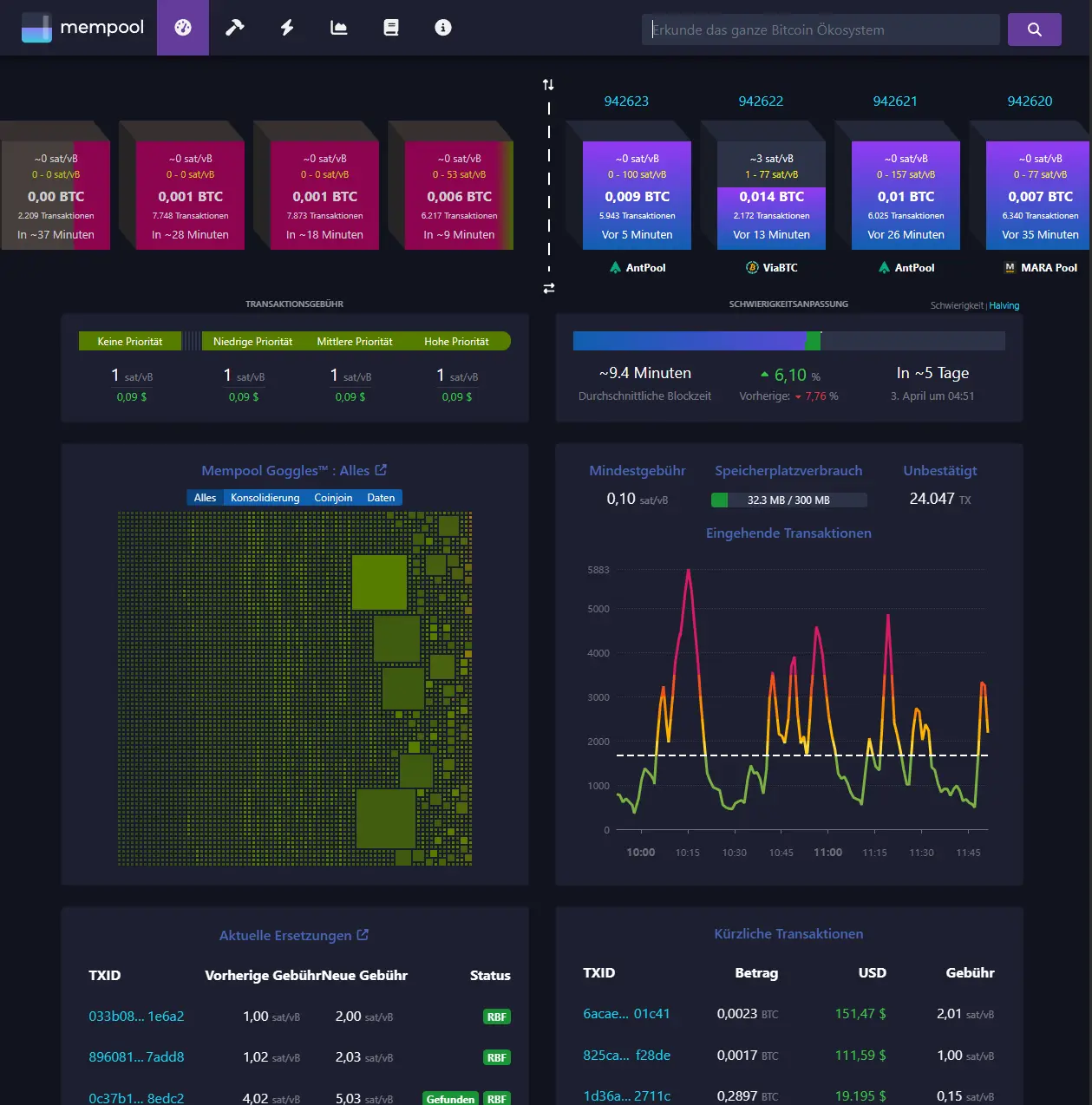
- Your own mempool and fee estimate. The Mempool app on Umbrel shows you live which fee a transaction needs right now – from your own data, not from mempool.space.
- Lightning. A Lightning node (LND or Core Lightning on Umbrel) requires your own Bitcoin node. With it you receive and send payments in seconds.
- Your own solo pool. The Public Pool app turns the node into a stratum server for your Bitaxe – the block template then comes from you, not from an external pool.
- A voice in the network. Every additional node that checks the rules makes Bitcoin a little more robust against changes nobody wants.
What you need
| Component | Requirement | Why |
|---|---|---|
| Storage | 2 TB SSD (NVMe or SATA) | The blockchain takes just under 800 GB and grows by around 80 GB a year; Umbrel apps such as Mempool and Electrs put another 100–150 GB next to it. 1 TB works with pruning, but then without Electrs and without the full history. |
| RAM | 8 GB, better 16 GB | Bitcoin Core alone runs on 4 GB; with Lightning, Mempool and Electrs in parallel, 16 GB is comfortable. |
| Processor | Quad-core, x86 or ARM | The first sync validates 900,000 blocks – that is CPU work. An Intel N150 does it in around a day, a Raspberry Pi 5 in two to three, a Pi 4 in about a week. |
| Network | LAN cable to the router | The sync downloads 800 GB; afterwards around 20–50 GB a month flow. Wi-Fi works, cable is more stable. |
| Power | Continuous operation | A mini PC like the LiquidBox V5 draws around 10 W – about 7 kWh or €2 a month at €0.28/kWh. |
| Software | Umbrel OS | Bitcoin Core, Lightning, Mempool, Electrs and Public Pool as one-click apps; updates through the interface, no terminal needed. |
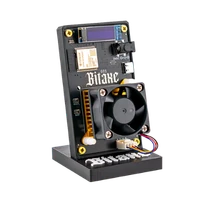
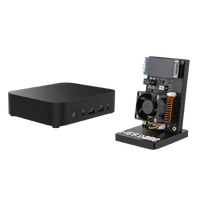
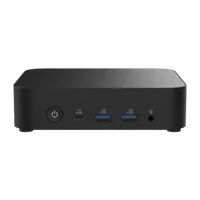
The LiquidBox V5 is exactly this list as a device: Intel N150 with four cores, 16 GB DDR5, 2 TB NVMe, 2.5 Gigabit LAN, Umbrel OS preinstalled, around 10 W. Plug in, start the Bitcoin Node app, wait a day. If you prefer to build it yourself, take a Raspberry Pi 5 with an NVMe hat and a 2 TB SSD – same result, two evenings of work and two to three days of sync.
The first sync is the only test of patience. After that the node works unobtrusively: every ten minutes it pulls a new block, checks it and is done. After a power cut it continues where it was interrupted.
Why node and Bitaxe belong together
A node without a miner verifies. A miner without a node hashes for a block template somebody else built – a pool decides which transactions go into the block. Only both together close the loop: your node builds the template from its own mempool, your Bitaxe searches for the matching hash, and if it finds it, your node submits the block to the network. No third-party server in the chain, from the first byte to the coinbase transaction to your address.
Technically that is the Public Pool app on Umbrel: install it, enter umbrel.local with port 2018 in AxeOS, done. The complete setup is in Connecting a Bitaxe to your own Bitcoin node. The chance of a block does not change – it depends only on the hash rate, which Finding a block with a Bitaxe works out for every model. What changes is who defines the work.
If you want both from one source, take the Sovereign Stack: LiquidBox V5 plus Bitaxe Gamma (V1) or Nerdaxe Gamma (V2). Around 25 W together, about €5 of electricity a month.
Who the node is for
For anyone who holds Bitcoin longer than a few months and does not want to query their wallet through other people’s servers – that is the real reason, the miner is the icing. If you only want to mine, on the other hand, you do not need a node: our solo pool pool.opensourceminers.de runs node and stratum server, pays a found block just as completely to your address and costs 0 %. The pool configurator provides the AxeOS values.
Do I need my own node to mine with the Bitaxe?
How much storage does a Bitcoin node need?
How long does the first sync take?
What does running it cost?
Can I run Bitcoin Core without Umbrel?
Does a node produce hash rate?
Read more
Setting up the Bitaxe Gamma 601: a step-by-step guide to the first start
Setting up the Bitaxe Gamma 601: a precise step-by-step guide to Wi-Fi, AxeOS, pool settings, your Bitcoin address, monitoring, common mistakes and sensible next steps.
Guides & knowledgePaying with Bitcoin at Bitaxe.de: how to get 5% off
Want to order your Bitaxe and see the option to pay with Bitcoin at checkout? Perfect – that is exactly what we introduced the Bitcoin discount for.
Guides & knowledgeConnecting a Bitaxe to your own Bitcoin node: setting up Public Pool on Umbrel
Your own node, your own stratum server, a found block paid straight to your address: how to set up Public Pool on Umbrel and connect your Bitaxe – with all AxeOS values, storage and sync figures and the six mistakes we see most in support.